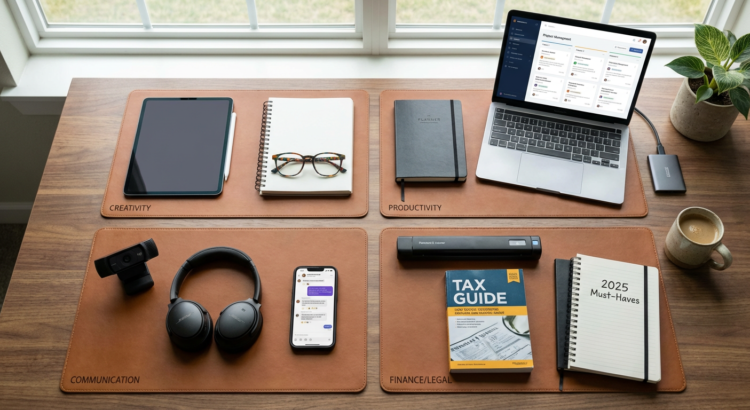
10 Hidden Gem Tools for Your Freelancing Business, Categorized by Application
Most freelancers stick to the big-name tools everyone talks about. But if you dig a little deeper, you’ll find some remarkable options that fly under the radar. These lesser-known tools often cost less, work just as well, and sometimes even better than their famous counterparts. This list highlights underrated tools across different categories that can make your freelance work smoother, faster, and more profitable. Whether you need help with client management, payments, or productivity, these hidden gems deserve a spot in your toolkit.
- Legiit for Service Marketplace and Project Management
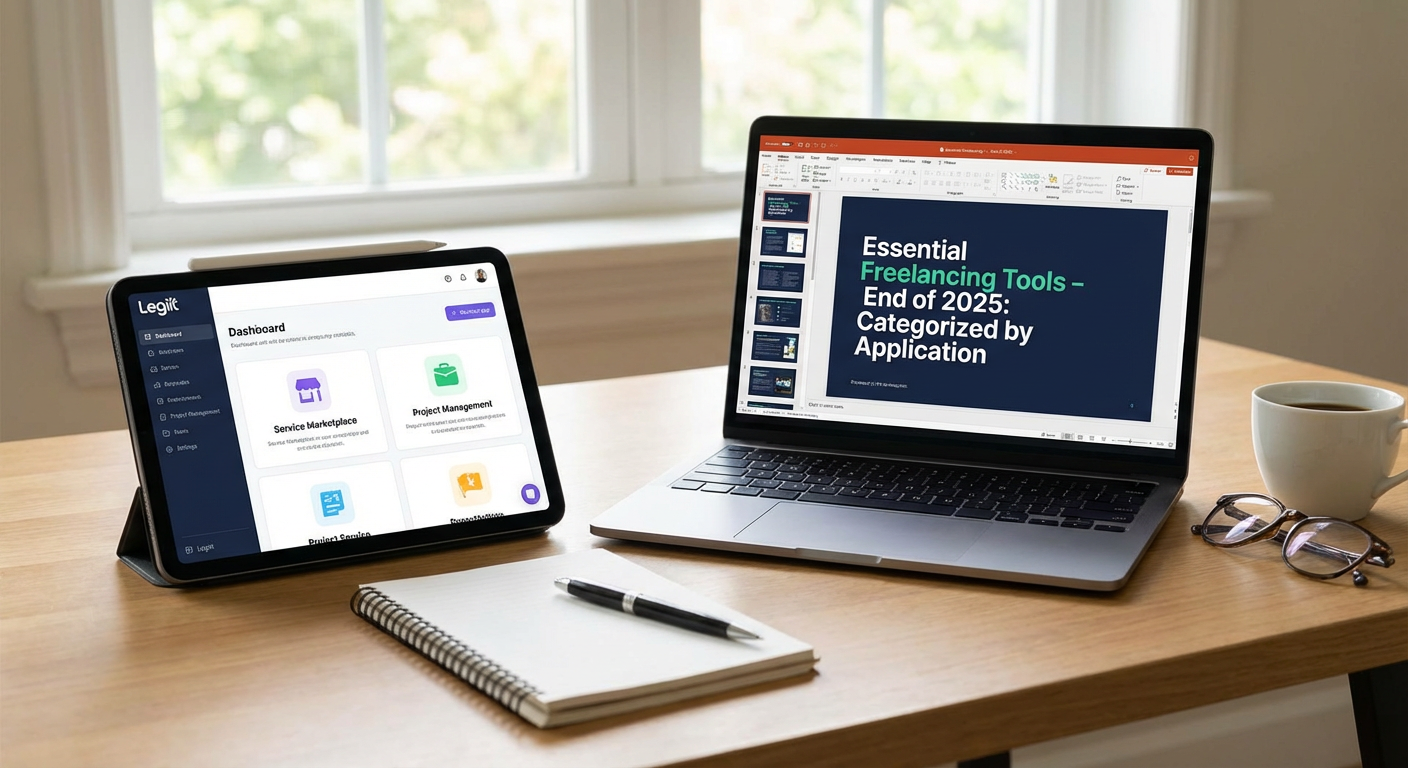
While most freelancers flock to the usual marketplace platforms, Legiit offers a refreshingly different approach that many haven’t discovered yet. This platform combines a service marketplace with built-in project management features, letting you sell your services and manage client work all in one place. What makes it stand out is its focus on digital services and marketing work, with a community that values quality over racing to the bottom on pricing.
Legiit also includes tools for creating service packages, managing revisions, and communicating with clients without juggling multiple apps. The platform takes a smaller cut than many competitors, which means more money stays in your pocket. For freelancers tired of the usual suspects in the marketplace space, Legiit provides a solid alternative worth exploring.
- Wave for Accounting and Invoicing
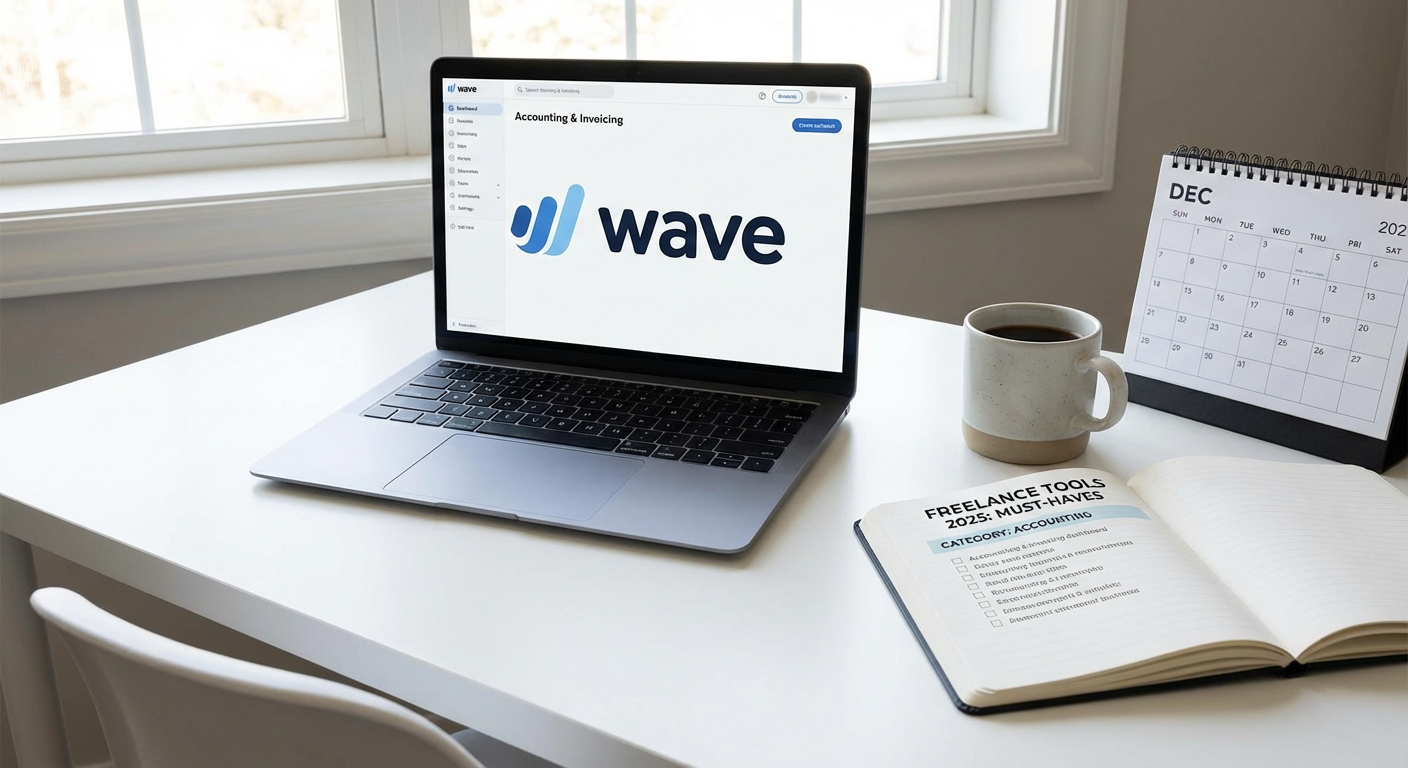
Wave rarely gets the attention it deserves, despite offering completely free accounting and invoicing software for small businesses and freelancers. You can create professional invoices, track expenses, scan receipts, and even run financial reports without paying a monthly subscription. The interface is clean and straightforward, making it easy to stay on top of your finances without an accounting degree.
The only costs you’ll encounter are optional payment processing fees if you want clients to pay directly through Wave. For freelancers who don’t need advanced inventory tracking or complex multi-currency features, Wave handles everything you need. It’s particularly useful for new freelancers who want professional financial tools without the hefty price tag of QuickBooks or FreshBooks.
- Notion for Client Documentation and Knowledge Management
Notion often gets lumped in with note-taking apps, but it’s much more powerful than that for freelancers. You can build custom databases to track clients, projects, and deliverables, all while maintaining a knowledge base of your processes and templates. The flexibility means you can design exactly the workspace you need instead of forcing your work into someone else’s system.
Many freelancers use Notion to create client portals where they share project updates, style guides, and resources. You can also build a personal wiki of your best practices, code snippets, writing templates, or design assets. The free tier is generous enough for most solo freelancers, and the learning curve pays off quickly once you understand how blocks and databases work together.
- Fathom for Privacy-Focused Website Analytics
Google Analytics dominates the analytics space, but Fathom offers a simpler, privacy-friendly alternative that many freelancers prefer. It gives you the essential metrics you need without cookie banners, complex setup, or data privacy headaches. The dashboard shows your traffic, top pages, and referral sources in a clean interface you can understand at a glance.
For freelancers who run their own websites or manage sites for clients, Fathom complies with GDPR, CCPA, and other privacy regulations by default. You get reliable data without tracking individual visitors or selling their information to advertisers. The pricing is straightforward based on page views, and the service loads fast without slowing down your site.
- Missive for Team Email and Collaboration
If you work with a small team or collaborate with other freelancers, Missive solves the shared inbox problem better than most tools. It lets multiple people manage the same email address without forwarding messages back and forth or wondering who responded to what. You can assign emails, add internal comments, and track conversations without clients seeing your behind-the-scenes coordination.
Missive also integrates with chat features, so you can discuss a client email right next to the message itself. This keeps all communication context in one place instead of scattered across email, Slack, and project management tools. The interface feels more modern than traditional email clients, and it works across desktop and mobile devices smoothly.
- Canny for Client Feedback and Feature Requests
Canny helps freelancers who build products or provide ongoing services collect and organize client feedback in one central place. Instead of tracking feature requests in random emails, messages, and notes, Canny creates a board where clients can submit ideas and vote on what matters most. This helps you prioritize work based on what clients actually want rather than guessing.
The tool also lets you update clients on progress, mark features as planned or completed, and keep everyone in the loop. For freelancers working on apps, websites, or long-term projects with multiple stakeholders, Canny prevents good ideas from getting lost. The free tier works well for small client bases, and the interface is simple enough that clients can use it without training.
- Loom for Asynchronous Video Communication
Loom lets you record quick video messages instead of typing long emails or jumping on unnecessary calls. You can record your screen, your face, or both while explaining a concept, giving feedback, or walking through a deliverable. This saves time for both you and your clients, especially when working across different time zones.
Many freelancers use Loom to present work, explain revisions, or provide tutorials to clients. A five-minute video often communicates more clearly than a dozen back-and-forth emails. Recipients can watch at their convenience and leave timestamped comments on specific parts of the video. The free plan includes enough recording time for most freelancers, and videos are easy to share with a simple link.
- Tally for Simple Form Building
Tally flies under the radar compared to Typeform or Google Forms, but it offers a cleaner, more flexible way to create forms for your freelance business. You can build intake forms, questionnaires, surveys, and even simple order forms without paying for premium features. The forms look professional by default, and you can customize them to match your brand.
What sets Tally apart is its generous free tier and the ability to accept payments through forms if needed. You can also integrate with other tools through webhooks or Zapier. For freelancers who need to gather information from clients before starting projects, Tally streamlines the process without adding another expensive subscription to your stack.
- Noisli for Focus and Productivity
Noisli is a simple background noise generator that helps freelancers maintain focus during deep work sessions. You can mix different sounds like rain, thunder, wind, or coffee shop ambiance to create the perfect audio environment. This is particularly helpful when working from home with distractions or in noisy coworking spaces.
The tool also includes a basic timer and text editor, making it useful for timed writing sessions or focused work blocks. Unlike music, which can be distracting with lyrics and varying tempos, these ambient sounds mask irregular noises without pulling your attention. The web version is free, and the mobile apps are inexpensive compared to other productivity tools.
- Whereby for Simple Video Calls
Whereby offers a more straightforward video calling experience than Zoom or Google Meet, which many freelancers appreciate. You get a permanent room link that you can reuse for all your client calls, so there’s no need to generate new meeting links every time. Clients can join directly from their browser without downloading software or creating accounts.
The free tier includes one room with up to 100 minutes per meeting, which covers most client calls. The interface is minimal and distraction-free, putting the focus on conversation rather than features you’ll never use. For freelancers who want reliable video calls without the complexity of enterprise platforms, Whereby gets the job done with less hassle.
These hidden gem tools prove you don’t always need the most popular option to run a successful freelance business. Many of these lesser-known alternatives offer better value, simpler interfaces, or more focused features than their famous competitors. The key is finding tools that match your specific needs rather than following what everyone else uses. Start by testing one or two that address your biggest pain points, and you might discover they work even better than the tools you thought you needed. Your freelance toolkit should make your work easier, not more complicated, and these underrated options deliver on that promise.