
Tasks You Should Automate Right Now Compared: Which Time-Savers Actually Deliver 10+ Hours Weekly
Not all automation is created equal. Some tools promise to save you time but end up creating more headaches than they solve. Others quietly work in the background, giving you hours back every week without any fuss. This list compares the most popular automation opportunities and breaks down what actually works, what doesn’t, and how different solutions stack up against each other. If you’re serious about reclaiming 10+ hours weekly, you need to know which tasks are worth automating and which tools give you the best return on your time investment.
- Outsourcing Repetitive Business Tasks on Legiit Versus Doing It Yourself
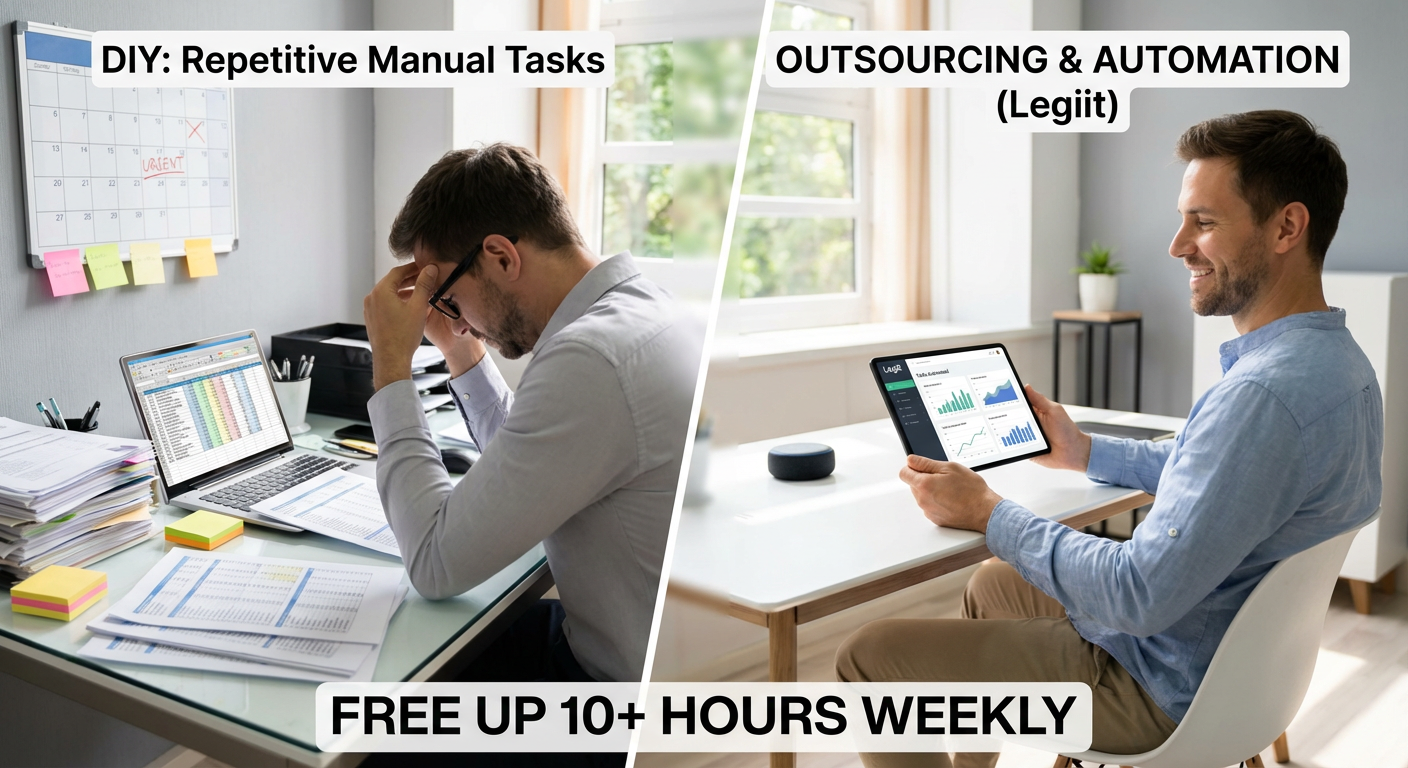
When you compare the time cost of handling repetitive tasks yourself against hiring someone on Legiit, the math is straightforward. Spending three hours weekly on content formatting, data entry, or social media graphics costs you about 12 hours monthly. Hiring a skilled freelancer on Legiit for these tasks typically costs less than what those hours are worth to your business, and you get consistent quality without the learning curve.
The trade-off is simple: you invest a small amount upfront to find the right person, then you gain recurring time savings every single week. Unlike pure software automation that can break or require constant tweaking, working with a reliable freelancer gives you flexibility and human judgment. For business owners who bill their time at any reasonable rate, this comparison heavily favors outsourcing over the DIY approach.
- Email Filters Versus Manual Inbox Sorting: Which Actually Keeps You Organized

Manual inbox management eats up 30 to 60 minutes daily for most professionals. Setting up automated filters and rules takes about an hour initially but then runs forever without any effort. The comparison is stark when you calculate the hours saved.
Most email platforms offer similar filtering capabilities, but Gmail’s label system versus Outlook’s folder structure creates different workflows. Gmail lets you apply multiple labels to one email, which works better for cross-category organization. Outlook’s traditional folders feel more familiar but can create duplication issues. Both beat manual sorting by miles, but choose based on whether you think in categories (Gmail) or hierarchies (Outlook).
- Scheduling Tools Like Calendly Versus Email Tag for Meetings
The average back-and-forth email exchange to schedule one meeting involves five to eight messages and takes about 20 minutes of cumulative time. Multiply that across ten meetings monthly and you’re burning over three hours just coordinating calendars.
Calendly, Cal.com, and similar tools reduce this to zero by letting people book directly into your available slots. The downside is you lose some control over exact timing and might get bookings at less-than-ideal moments. However, you can set specific availability windows to maintain boundaries. Compared to the email tennis match approach, even imperfect automated scheduling wins on time savings. The slight loss of control is worth the dramatic reduction in coordination overhead.
- Password Managers Versus Remembering or Writing Down Passwords
People spend an average of 10 minutes per week on password resets and login struggles. That’s nearly nine hours yearly, not counting the security risks of weak or repeated passwords. Password managers like Bitwarden, 1Password, or Dashlane eliminate this entirely.
The comparison between password managers mostly comes down to price and features. Bitwarden offers a free tier that covers most personal needs, while 1Password provides better family sharing options at a cost. Dashlane has the slickest interface but charges more. All three beat the security and time cost of manual password management. Pick based on your budget and sharing needs, but pick one. The time and stress savings are immediate.
- Bill Pay Automation Versus Manual Payment Each Month
Logging into multiple accounts, verifying amounts, and processing payments manually takes about 90 minutes monthly. Automated bill pay through your bank or the service provider cuts this to zero ongoing time, with maybe 30 minutes of initial setup.
Bank-side automation gives you more control and easier oversight of all payments in one place. Service-side autopay (like setting up auto-pay with your electric company directly) spreads your payment information across multiple sites, which some people find less secure. The bank approach wins for consolidation and security, but service-side autopay often processes faster. Both vastly outperform manual payment in time savings, so the choice depends on your preference for centralization versus speed.
- Meal Planning Apps Versus Winging It Every Week
Deciding what to eat, checking what you have, and making multiple grocery runs wastes about four to six hours weekly for most households. Meal planning apps like Mealime or Plan to Eat reduce this to under an hour by automating recipe selection and grocery list creation.
Mealime focuses on quick, healthy meals and generates shopping lists automatically, but offers less flexibility in recipe customization. Plan to Eat lets you import any recipe from anywhere and build your own system, but requires more initial effort. Compared to the chaos of daily meal decisions and forgotten ingredients, both save enormous time. Choose Mealime if you want simplicity, or Plan to Eat if you prefer control over your recipe collection.
- Social Media Scheduling Tools Versus Posting in Real Time
Posting to social media throughout the day creates constant interruptions and can easily consume two hours daily when you factor in context switching. Scheduling tools like Buffer or Later let you batch-create content once or twice weekly, saving over 10 hours monthly.
Buffer offers cleaner analytics and better team features, making it ideal for businesses. Later specializes in visual planning for Instagram and provides a more intuitive drag-and-drop calendar. Both crush the time cost of manual posting, but the choice depends on your primary platform and whether you need team collaboration. The upfront time to learn either tool pays back within the first week of use.
- Automatic Savings Transfers Versus Manually Moving Money
Manually transferring money to savings requires you to remember, log in, and execute the transfer. Most people do this inconsistently, if at all. Automated transfers happen on schedule without any mental overhead, and studies show automated savers accumulate significantly more over time.
You can set this up through your bank’s internal system or use apps like Qapital or Digit that apply rules-based saving. Bank automation is free and straightforward but less flexible. Apps like Digit analyze your spending and transfer small amounts you won’t miss, but charge small monthly fees. For pure time savings, both beat manual transfers. For optimizing the amount saved, Digit-style apps have an edge despite the cost.
- Document Templates Versus Creating From Scratch Each Time
Recreating proposals, invoices, contracts, or reports from scratch wastes 30 to 60 minutes per document. Building a template library takes a few hours initially but then cuts document creation time by 70 percent or more for every future use.
Google Docs templates are free and cloud-based, making them accessible anywhere and easy to share. Microsoft Word templates offer more formatting control and work offline, but require more careful version management. Both approaches demolish the time cost of starting from zero each time. The choice comes down to whether you prioritize accessibility and collaboration (Google) or advanced formatting (Word). Either way, template creation is one of the highest-return time investments you can make.
- Receipt Scanning Apps Versus Shoebox Storage and Manual Entry
Keeping paper receipts and manually entering expenses for taxes or reimbursement takes hours monthly and creates anxiety about lost documentation. Apps like Expensify or Shoeboxed automate capture and categorization, reducing monthly expense management from three hours to under 30 minutes.
Expensify works better for ongoing business expense tracking with strong integration into accounting software. Shoeboxed excels at processing historical receipts if you’re starting with a backlog. Both beat manual methods dramatically, but Expensify wins for active businesses while Shoeboxed helps if you’re catching up. The time saved during tax season alone justifies the cost of either service.
- Smart Home Routines Versus Manual Light and Temperature Adjustments
Walking around to adjust lights, thermostats, and other devices throughout the day adds up to 15 to 30 minutes daily. Smart home routines through Google Home, Alexa, or Apple HomeKit automate these actions based on time, presence, or conditions.
Google Home offers the best integration with Android and Google services. Alexa has the widest device compatibility and most third-party skills. Apple HomeKit provides superior privacy and security but works only within the Apple ecosystem. All three save substantial time over manual adjustments. Choose based on your existing tech ecosystem, but any choice reclaims those scattered minutes throughout your day.
- Email Newsletter Unsubscribe Services Versus One-By-One Removal
Manually unsubscribing from unwanted emails takes about two minutes per sender, and the average person needs to remove dozens. Services like Unroll.me or Leave Me Alone handle this in bulk, clearing your inbox in under 10 minutes total.
Unroll.me is free but monetizes by anonymizing and selling your purchase data, which bothers privacy-conscious users. Leave Me Alone charges a small fee but keeps your data private and gives you detailed control. Both save hours compared to manual unsubscribing, but the privacy trade-off matters. If you’re comfortable with data sharing for convenience, Unroll.me works fine. If privacy is important, Leave Me Alone is worth the cost.
- Automatic Backup Solutions Versus Manual File Copying
Manually backing up important files requires discipline and time. Most people do it inconsistently, risking data loss. Automated backup services like Backblaze or Carbonite run continuously in the background, ensuring your files are always protected without any ongoing effort.
Backblaze offers unlimited backup for one flat rate, making it ideal for users with large file collections. Carbonite provides more granular control and faster recovery options but costs more for comparable storage. Both eliminate the time and mental burden of manual backups completely. The small monthly cost is trivial compared to the value of your data and the hours you’d spend recreating lost files. Choose based on whether you prioritize simplicity (Backblaze) or control (Carbonite).
- CRM Automation Versus Spreadsheet Contact Management
Tracking customer interactions, follow-ups, and sales pipeline stages in spreadsheets requires constant manual updates and takes hours weekly. CRM platforms like HubSpot or Pipedrive automate much of this tracking and provide reminders, cutting management time by 60 percent or more.
HubSpot’s free tier offers impressive features for small businesses but pushes you toward paid upgrades as you grow. Pipedrive costs money from the start but provides cleaner pipeline visualization and simpler workflows. Compared to spreadsheet chaos, both are massive time savers. HubSpot makes sense if you’re starting out and want to grow into more features. Pipedrive works better if you want focused sales pipeline management without extra complexity.
- Automated Expense Categorization Versus Manual Tagging
Reviewing and categorizing every transaction manually in your budgeting app or accounting software takes 30 to 60 minutes weekly. Tools like Mint or YNAB now offer automatic categorization that learns your patterns, reducing this to just reviewing exceptions.
Mint is free and does decent automatic categorization but serves ads and upsells financial products. YNAB costs a monthly subscription, provides more accurate categorization, and focuses purely on budgeting without distractions. Both beat manual entry by a wide margin. Mint works if you want free and don’t mind some commercial messaging. YNAB is better if you’re serious about budgeting and want cleaner, more focused tools.
- Text Expansion Tools Versus Typing Repetitive Phrases
Typing the same email responses, addresses, or phrases repeatedly wastes small moments that add up to hours monthly. Text expansion tools like TextExpander or built-in OS shortcuts let you type a few characters to insert entire paragraphs.
TextExpander is powerful and cross-platform but costs a subscription. Mac and iOS have built-in text replacement that’s free but less sophisticated. Windows has similar features through AutoHotkey, which requires more technical setup. All three approaches save significant time over manual typing. If you type the same content frequently across devices, TextExpander’s cost is justified. For simpler needs, built-in OS features work fine and cost nothing.
- Automated Report Generation Versus Manual Data Compilation
Pulling data from multiple sources, formatting it, and creating reports manually can consume four to eight hours weekly for managers and analysts. Tools like Google Data Studio or Microsoft Power BI automate data connection and visualization, reducing this to under an hour of review time.
Google Data Studio is free and integrates smoothly with Google services but has a steeper learning curve for complex reports. Power BI offers more advanced analytics and better Excel integration but costs money and requires more technical knowledge. Both demolish the time cost of manual reporting. Choose Data Studio if you live in the Google ecosystem and want free tools. Pick Power BI if you need advanced analytics and already use Microsoft products.
- Auto-Responders for Common Questions Versus Answering Each Time
Answering the same customer or client questions repeatedly via email wastes hours every week. Setting up auto-responders or canned responses in Gmail or help desk software like Zendesk lets you answer common questions instantly.
Gmail’s canned responses are free and work well for simple, occasional use. Zendesk and similar help desk tools cost money but provide better tracking, customer history, and team collaboration. For solo operations or small teams, Gmail’s free feature saves plenty of time. For larger customer service operations, dedicated help desk software pays for itself in time savings and better customer experience. Both beat typing the same answer for the hundredth time.
- Automated Invoicing Versus Manual Invoice Creation
Creating and sending invoices manually takes 15 to 30 minutes per client, and chasing late payments adds even more time. Automated invoicing through FreshBooks or Wave handles creation, sending, reminders, and payment processing without ongoing effort.
FreshBooks offers a polished interface and excellent customer support but costs more. Wave is free for basic invoicing but charges for payment processing and lacks some advanced features. Both save hours monthly compared to manual invoicing and follow-up. Wave makes sense for freelancers and very small businesses watching costs. FreshBooks is worth it for established businesses that want better features and support. Either choice eliminates the tedious invoice grind.
- Zapier Workflows Versus Manual Data Transfer Between Apps
Copying information between apps manually (like moving form submissions to spreadsheets or CRM entries to email lists) wastes 30 to 90 minutes weekly. Zapier connects apps and moves data automatically, eliminating this busywork entirely.
Zapier’s free tier covers basic automation needs for individuals. Paid tiers add more tasks and faster update frequencies, which matter for businesses with high volume. Alternatives like Make (formerly Integromat) offer more complex logic at lower prices but have steeper learning curves. For most users, Zapier’s ease of use justifies the cost compared to the hours spent on manual data transfer. Make works better for technical users who want to save money and don’t mind complexity. Both crush manual copying and pasting.
The best automation choices depend on your specific situation, but the pattern is clear: nearly every automated solution beats its manual alternative when you honestly compare the time investment. Start with the automations that address your biggest time drains, whether that’s email management, scheduling, or repetitive business tasks. You don’t need to implement everything at once. Pick three items from this list that resonate with your daily struggles, set them up this week, and watch hours return to your schedule. The tools exist and they work. The only question is whether you’ll keep doing things the hard way or finally let automation give you your time back.