
Freelance Productivity Tools Compared: 10 Must-Have Options Reviewed
Choosing the right productivity tools for your freelance business can feel overwhelming when dozens of options promise similar benefits. This guide takes a comparison approach, examining the strengths and weaknesses of essential tools so you can make informed decisions. Whether you need project management, time tracking, or client communication solutions, understanding the trade-offs helps you build a stack that actually works for your specific workflow.
- Legiit: Freelance Marketplace with Built-In Client Management
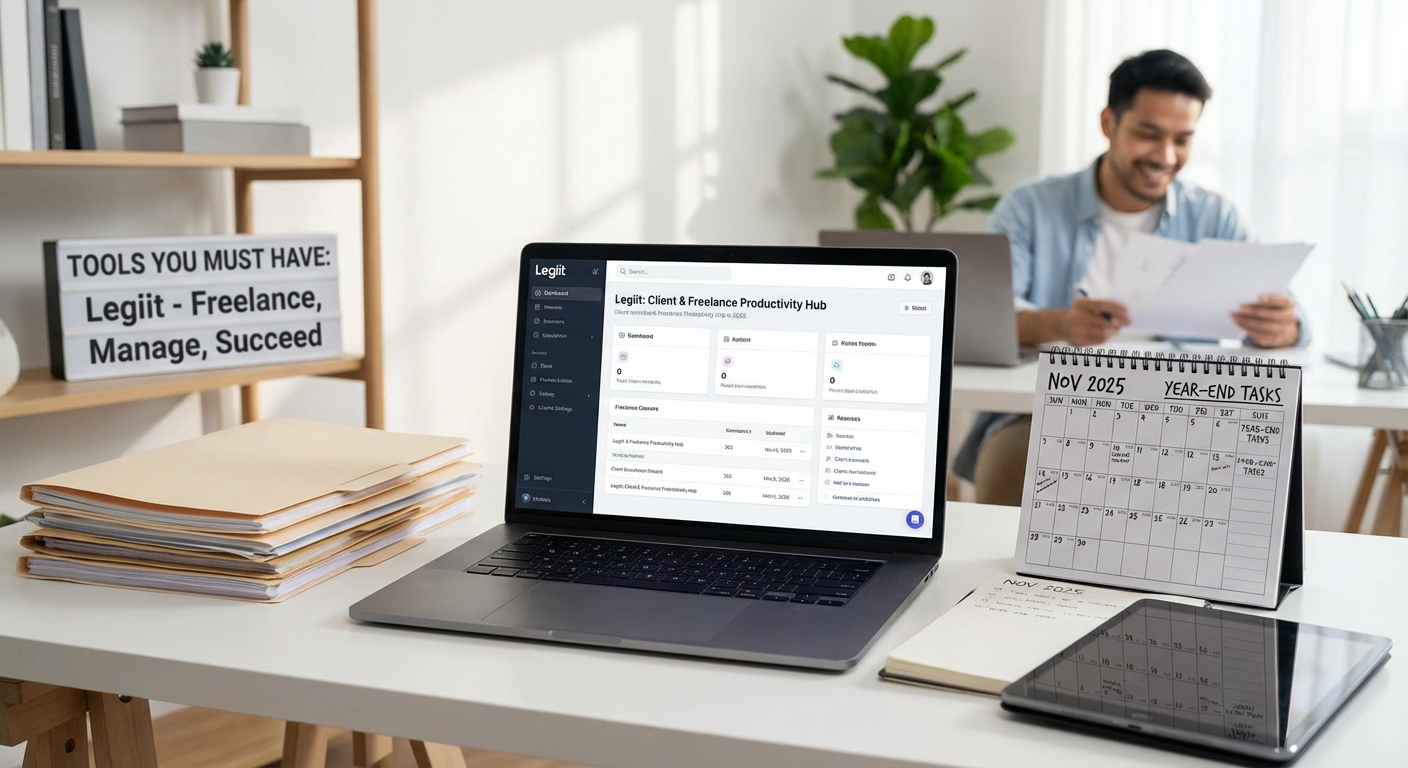
Legiit stands out as both a marketplace and a productivity platform for freelancers. Unlike pure project management tools, it combines client acquisition with workflow tools, letting you find work and manage it in one place. The advantage here is consolidation, you avoid juggling separate platforms for finding clients and delivering work.
The trade-off is specialization. While Legiit excels at connecting freelancers with clients and handling transactions securely, teams already established with dedicated project software might find migration challenging. However, for solo freelancers or small agencies looking to grow their client base while maintaining organized workflows, Legiit offers a balanced solution that addresses both business development and daily operations. The platform also provides seller dashboards that track orders, deadlines, and communications, reducing the need for external tools.
- Trello Versus Asana: Visual Boards or Structured Lists
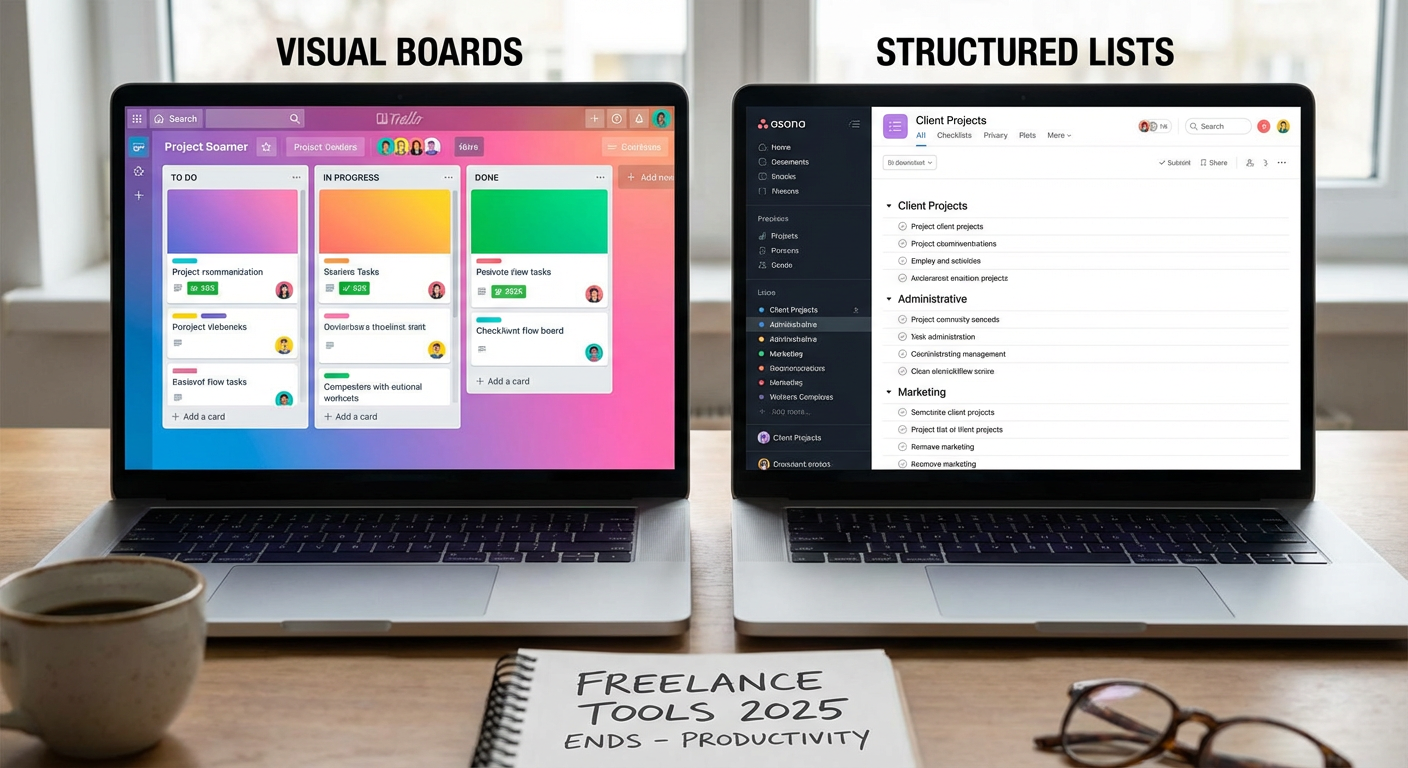
Trello uses a kanban-style board system that appeals to visual thinkers. You move cards across columns, making progress feel tangible and workflows easy to grasp at a glance. It shines for simple projects and solo freelancers who want flexibility without complexity. The downside is that Trello can become messy with larger projects, requiring power-ups and workarounds for features that competitors include by default.
Asana takes a more structured approach with list views, timelines, and detailed task dependencies. This makes it better suited for complex projects with multiple moving parts and deadlines that depend on each other. The learning curve is steeper than Trello, and some freelancers find the interface cluttered. If you manage straightforward projects with clear stages, Trello probably fits better. If you coordinate multi-phase work with dependencies and need robust reporting, Asana justifies the extra complexity.
- Toggl Track Versus Clockify: Premium Features or Free Forever
Both tools track time spent on projects, but their pricing models create different value propositions. Toggl Track offers a polished interface, detailed reports, and calendar integrations that feel professional and refined. The free plan works for individuals, but teams and advanced features require paid tiers that can add up quickly.
Clockify positions itself as free for unlimited users and projects, making it attractive for budget-conscious freelancers and growing teams. The interface feels less polished, and some advanced reporting features exist only in paid plans, but the core functionality remains accessible without payment. Choose Toggl if you value interface design and don’t mind paying for premium features. Choose Clockify if you need team time tracking without monthly fees and can tolerate a more basic experience.
- Notion Versus Evernote: All-in-One Workspace or Dedicated Note-Taking
Notion has become popular as an all-in-one workspace where you can manage notes, databases, wikis, and project boards in interconnected pages. This flexibility means you can build exactly the system you need, from client databases to content calendars. The downside is setup time, Notion requires configuration and experimentation before it becomes truly useful, and the blank canvas can feel paralyzing.
Evernote focuses specifically on note-taking and information capture, doing fewer things but doing them reliably. Clipping web articles, organizing research, and finding notes through search works smoothly without much setup. However, Evernote lacks the database and relational features that make Notion powerful for project management. If you want one tool that adapts to multiple needs and you enjoy customization, Notion rewards the investment. If you primarily need reliable note capture and search without building custom systems, Evernote delivers faster value.
- Slack Versus Microsoft Teams: Startup Culture or Enterprise Integration
Slack built its reputation on making team communication feel casual and accessible. Channels, direct messages, and integrations with hundreds of apps create a hub where remote freelancers and their clients can collaborate. The interface feels modern and the emoji reactions add personality. The weakness appears when you need video calls or document collaboration, Slack relies on integrations rather than native solutions, which can fragment the experience.
Microsoft Teams integrates deeply with Office 365, offering video meetings, file storage, and document editing within one ecosystem. For clients already using Microsoft products, Teams feels natural and reduces platform switching. The interface can feel corporate and less intuitive than Slack, and the app sometimes runs slowly. Freelancers working with enterprise clients often need Teams because that’s what the client uses. Freelancers with startup or agency clients might prefer Slack’s lighter, more flexible feel.
- Google Workspace Versus Microsoft 365: Browser-Based Simplicity or Desktop Power
Google Workspace centers on browser-based apps like Docs, Sheets, and Drive that work seamlessly across devices without installation. Real-time collaboration feels natural, and the interface stays simple enough that most clients can jump in without training. Storage integrates with Gmail, making file sharing straightforward. The limitation shows up in advanced features, Google Sheets can’t match Excel for complex formulas and data analysis, and Docs lacks some formatting options that Word provides.
Microsoft 365 offers desktop applications with deep feature sets that professionals in finance, design, and technical writing often require. The cloud versions exist but feel like simplified alternatives to the real desktop apps. Collaboration works well but doesn’t feel as smooth as Google’s native approach. If you work with clients who send complex Excel files or need precise Word formatting, Microsoft makes sense. If you prioritize accessibility, cross-device work, and straightforward collaboration, Google provides a cleaner experience.
- Grammarly Versus ProWritingAid: Quick Checks or Deep Analysis
Grammarly focuses on catching errors quickly with a clean interface that works across browsers, email, and documents. The tone detector and clarity suggestions help polish client communications and deliverables without requiring writing expertise. The free version catches basic mistakes, while premium adds style suggestions and plagiarism detection. The weakness is depth, serious writers often find Grammarly’s suggestions surface-level and occasionally incorrect.
ProWritingAid offers more detailed reports on writing style, including readability scores, repeated words, sentence length variation, and structural issues. Writers who want to improve their craft appreciate this depth, but the volume of suggestions can feel overwhelming for quick edits. The interface also feels less polished than Grammarly. For freelancers who write occasionally and want fast proofreading, Grammarly works better. For professional writers and editors who want comprehensive feedback, ProWritingAid justifies the steeper learning curve.
- Calendly Versus Acuity Scheduling: Simple Booking or Customized Appointments
Calendly solves one problem elegantly: letting clients book time on your calendar without email back-and-forth. You set your availability, share a link, and clients pick a slot. The free tier covers basic needs, and the interface stays simple enough that even non-technical clients navigate it easily. The limitation appears in customization, advanced workflows like intake forms, payment collection, and multiple team member coordination require paid plans.
Acuity Scheduling (owned by Squarespace) provides more control over the booking experience with custom forms, package sales, and class scheduling built in from lower pricing tiers. This makes it appealing for freelancers who sell coaching sessions or workshops that need payment upfront. The interface feels busier and takes longer to configure. Choose Calendly if you need straightforward meeting scheduling and value simplicity. Choose Acuity if your freelance service involves selling scheduled sessions that require payments, forms, or package options.
- LastPass Versus 1Password: Budget Security or Premium Experience
Both password managers solve the critical problem of securing client logins, financial accounts, and business credentials. LastPass offers a functional free tier for individual use, making it accessible for freelancers just starting to take security seriously. The interface works across devices, though it feels dated compared to newer competitors. Premium features like emergency access and family sharing cost extra but remain affordable.
1Password charges from the start but delivers a more refined experience with better design, faster performance, and features like travel mode that temporarily removes sensitive vaults when crossing borders. The security model (requiring both a master password and secret key) adds protection but also means losing access is harder to recover from. For freelancers on tight budgets who need basic password management, LastPass provides adequate protection. For those handling sensitive client data who want the best security and user experience, 1Password justifies the subscription cost.
- Zapier Versus Make (formerly Integromat): Simplicity or Advanced Control
Zapier popularized workflow automation for non-technical users by making it simple to connect apps and automate repetitive tasks. Creating a zap that sends Slack notifications when you receive payment or adds new clients to your CRM requires no coding. The trade-off is cost and control, Zapier charges per task, which adds up quickly for high-volume workflows, and complex logic requires workarounds.
Make offers more powerful automation with visual workflow builders that handle complex branching, loops, and data transformation. The pricing model charges for operations rather than individual tasks, often resulting in lower costs for heavy users. However, the increased power comes with increased complexity, Make requires more technical understanding to use effectively. Freelancers automating simple, low-volume tasks should start with Zapier’s approachable interface. Freelancers running high-volume automations or needing complex conditional logic will benefit from Make’s power and pricing model once they invest time learning it.
The right productivity tools depend on your specific freelance situation rather than universal best choices. Consider your budget, technical comfort level, and whether you prioritize simplicity or advanced features. Many freelancers start with free or simple options and graduate to more sophisticated tools as their business grows. Test a few options in each category, pay attention to which ones you actually use rather than which ones seem impressive, and remember that the best tool is the one that fits naturally into your daily workflow without requiring constant attention.